- Product

- Pricing
- Affiliate Program
- Developers
- Resource
 EN
EN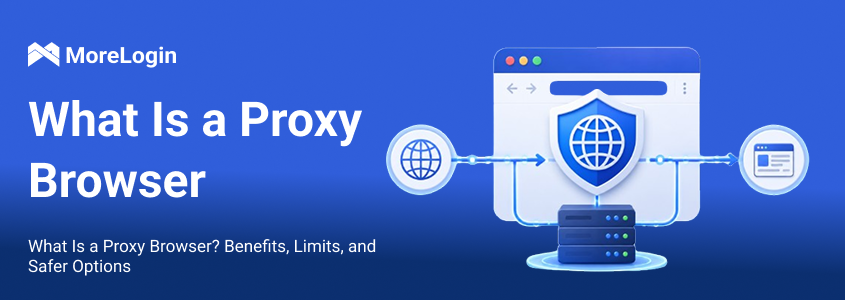
A Proxy Browser is a browser setup that sends web traffic through a proxy server, so websites see the proxy IP instead of your real IP. It is useful, but it has a clear limit: it mainly changes the IP address, not the full browser or device identity. If your goal is multi-account management, a proxy alone is not enough. You need stronger browser environment isolation.
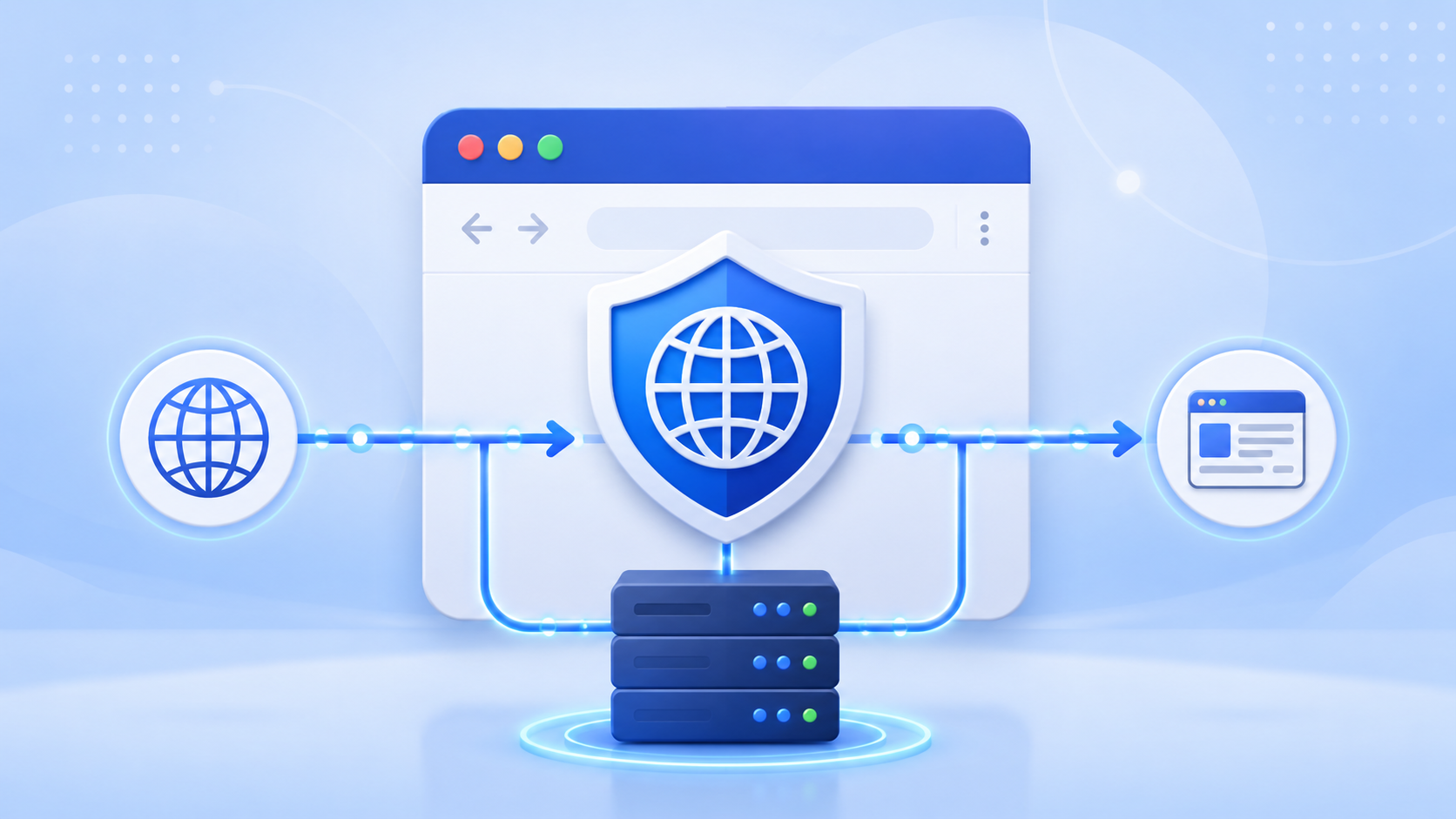
A Proxy Browser is a browser that connects to websites through a proxy server. Instead of sending requests through a web proxy server rather than connecting directly from your local network, the browser sends requests to another server first. The target website then sees the proxy server’s IP address, not your original IP.
This is the basic proxy browser meaning: the browser traffic takes a different network route. A proxy server can also modify request headers, which changes some identity data sent to websites. It does not automatically create a new device, a new browser fingerprint, or a separate account environment.
The process is simple:
You enter a website URL.
The browser sends the request to a proxy server.
The proxy server visits the website.
The website returns content to the proxy server.
The proxy server sends the content back to your browser.
A proxy web browser can help with IP switching, location-based browsing, and simple access testing. But it should not be confused with a full identity isolation tool. Many websites check more than IP addresses. They may also look at cookies, local storage, browser fingerprints, WebRTC data, device signals, and login behavior.
That is the key point: a changed IP does not always mean a changed identity.
The most direct benefit is IP masking. When traffic goes through a proxy server, a proxy service or web proxy sits between you and the site. Websites then see the proxy server's IP address rather than your real IP address.
This can help when you need to check a website from another region, reduce direct exposure of your local IP, or test whether a page behaves differently in different locations. For example, an SEO team may want to compare search results in several countries. An ad team may want to review landing pages from target markets. A support team may want to reproduce access issues reported by users in another location.
For these tasks, this setup gives users a simple way to control the visible IP of a browsing session, which can support basic secure browsing and anonymous browsing without implying full privacy protection.
Many websites show different content based on IP location, so an online proxy or browser-based proxy can help users access blocked websites, other restricted content, or pages affected by geographic restrictions.
A proxy setup can help users view region-based content more easily. This is useful for SEO checks, ad verification, competitor research, localization review, and basic market research. It can also be a lightweight way to browse or access websites quickly, including when trying to access restricted content or blocked websites, because it handles web traffic rather than all device traffic. By contrast, a vpn encrypts all device traffic, while a proxy is often easier for quick use and usually needs no software installation.
However, this benefit should not be overstated. A proxy can change the apparent location, but some platforms also compare timezone, browser language, WebRTC information, cookies, and account history.
This setup can also help separate simple browsing traffic. Some businesses use this kind of separation for network management or scraping workflows, where rotating IPs help avoid bans. One task may use a US proxy, while another uses a UK proxy. This makes it easier to test different regions or keep basic workflows apart, since the proxy mainly reroutes internet traffic.
But this is only traffic separation. It is not the same as account environment separation.
If the same browser profile, cookies, extensions, fonts, Canvas fingerprint, WebGL fingerprint, and device settings are reused across several accounts, those accounts may still look connected. A proxy changes where the traffic comes from. Some proxy servers also cache frequently requested web content, which can improve loading speed in certain setups. It does not fully change what the browser looks like.
The biggest limit is simple: this tool mainly changes the IP address. It can alter IP-level signals, but it does not fully change the browser identity or your digital footprint.
Websites can collect many signals beyond IP, including:
Canvas fingerprint
WebGL data
Fonts
Screen resolution
Timezone
Language
WebRTC information
User-Agent consistency
Cookies
Local storage
Browser extensions
Login behavior
If these signals remain the same, a website may still recognize that different sessions come from the same environment.
This is a common misunderstanding. Many users think changing IP equals changing identity. In reality, IP is only one signal. Browser fingerprinting gives platforms more ways to identify repeated access from the same setup, so a proxy may help you browse anonymously at the IP layer, but it does not fully protect online privacy when those fingerprint signals stay the same.
Account linking usually does not happen because of one signal. Platforms often combine many signals to evaluate risk. IP address is one of them, but it is not the only one.
If several accounts log in from the same browser environment, they may share the same cookies, storage traces, fingerprint patterns, extension list, system signals, and behavior style. Even with different proxies, the accounts can still appear related.
This is important for social media, ecommerce, affiliate marketing, advertising, and client account workflows. In these cases, the goal is not only to change IP. The goal is to keep each account environment separated and consistent.
The quality of the proxy also matters.
Free proxies, public proxies, overused shared proxies, and low-quality datacenter IPs may already have a poor reputation. Some may have been abused by many users before. Others may be unstable, slow, or frequently blocked. In 2024, researchers also found fake free VPN and proxy-browser Android apps that quietly turned devices into botnets, which shows the risk of unverified tools and their use in illegal activities.
If a proxy IP has a bad reputation, even a clean browser setup may face more checks. If the proxy location does not match the browser timezone, language, or WebRTC behavior, the session may also look inconsistent, and low-quality providers may log browsing data, expose sensitive information, or inject ads.
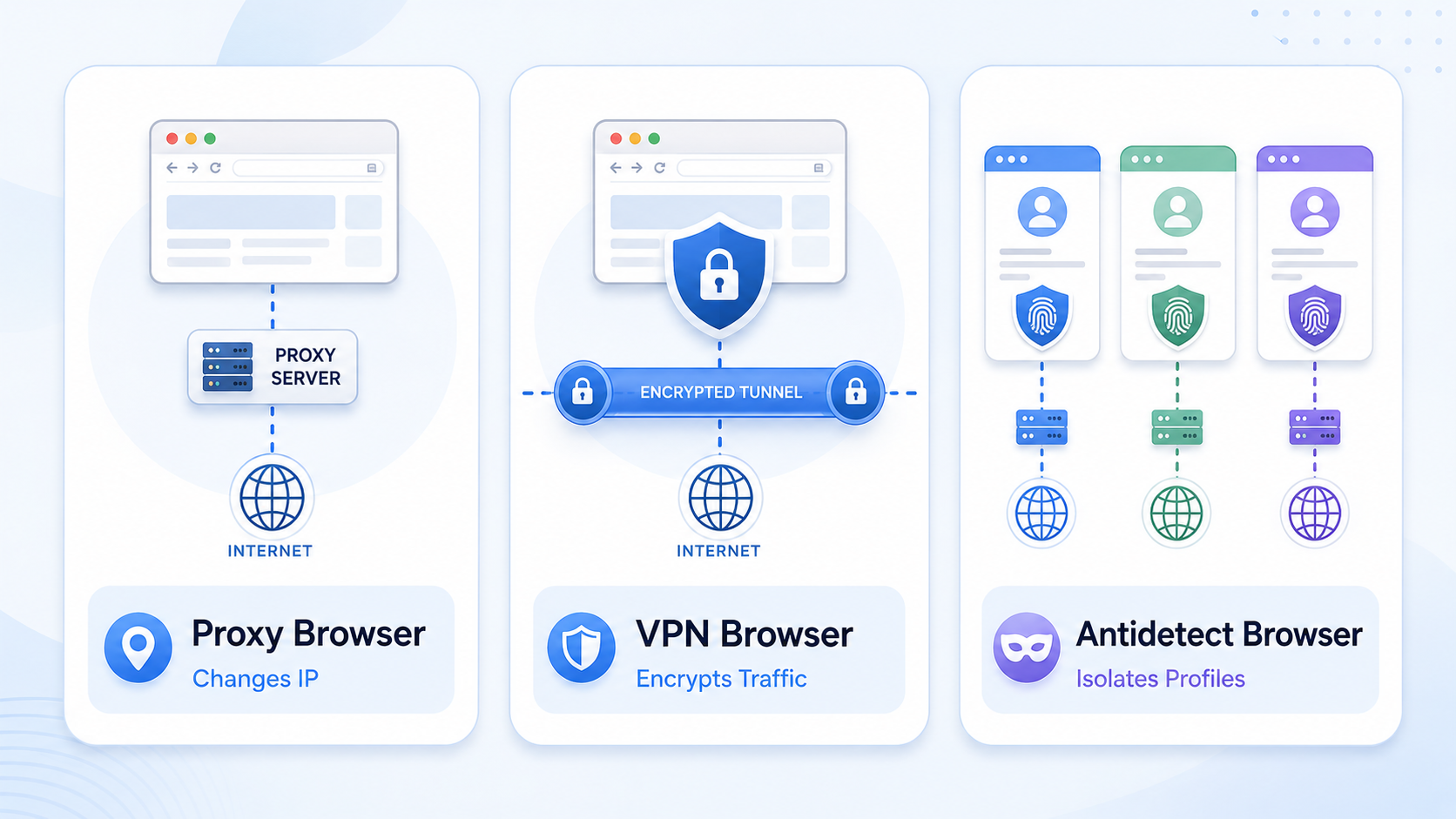
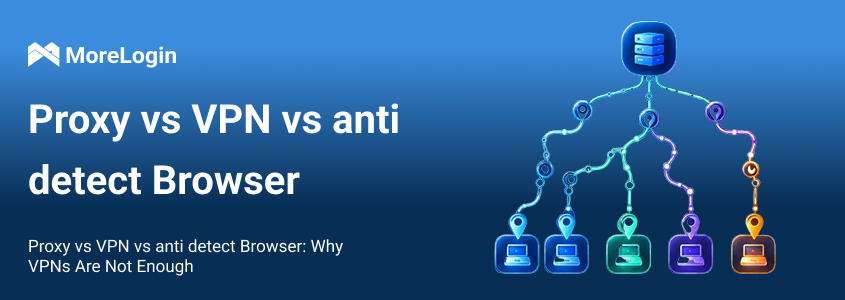
Proxy tools, VPN tools, and antidetect browsers are often compared because they all relate to online identity and IP routing. The main difference is that a proxy browser works at the application or browser level, while a VPN covers the whole device connection. But they solve different problems. A proxy-based browser mainly changes browser-level traffic routing. A VPN usually protects a wider device or network connection by encrypting all internet traffic from the device, while a proxy mainly handles browser traffic for web browsing. An antidetect browser goes further by helping create separate browser profiles with controlled fingerprints, cookies, and account environments. For a deeper comparison, you can read proxy browser vs VPN browser and proxy vs VPN vs anti detect browser.
The table shows the key difference. Proxy and VPN tools mainly work at the traffic or network level. Antidetect browsers work closer to the browser identity level.
This setup can be enough when the task is simple IP switching. If you only need to check how a webpage appears from another location, test access from a different region, or avoid exposing your direct IP during basic browsing, it can be a perfect solution for quick checks when you need free web proxy access without extra setup.
A free web proxy service can be enough for simple one-off tasks because it is browser-based and easy to start. This applies to light tasks such as:
Checking localized pages
Viewing region-based search results
Testing access to a website
Reviewing ads from another location
Comparing content availability
These tasks usually do not require long-term account login or complex identity separation.
For market research, a proxy setup can help teams understand what users in different regions may see. This is useful for SEO teams, ad buyers, ecommerce teams, and localization teams.
For example, a team may want to check whether a product page loads differently in the US, Brazil, or Germany. Another team may want to confirm if a campaign landing page is visible in a target market. Businesses also use proxy tools to enforce internet policies and limit access to distracting sites at work, even while supporting access where regional restrictions affect the open internet.
In these cases, the main requirement is location testing. Full browser identity control may not be necessary.
A proxy can also help reduce direct exposure of your real IP during everyday browsing, which can improve basic online security and reduce your visible digital trail while you browse the internet. This may be useful when users do not want every website to see their local network IP, and it can also help on public wi fi or public wi, though it is still better to use HTTPS and stronger protections when handling sensitive information.
But it is not complete anonymity. A proxy does not erase cookies, change device-level signals, or remove all browser fingerprinting risks. It should be treated as one privacy layer, not a full privacy solution, and if privacy is a concern, it should also support a secure connection or ssl encryption.
If you need to manage multiple accounts, a basic proxy setup is usually not enough.
Multi-account work often requires more than IP switching. Each account should have its own browser environment, cookies, storage, proxy, and fingerprint settings. Otherwise, different accounts may still look like they are operated from the same browser setup.
This matters for teams working with social media accounts, ecommerce stores, advertising accounts, affiliate dashboards, creator accounts, or client accounts. In these cases, the goal is not just to change traffic location. The goal is to keep account environments separated and consistent.
A safer setup should separate browser fingerprints and local data. This means each account profile should have its own environment, including cookies, cache, storage, language, timezone, WebRTC behavior, Canvas fingerprint, WebGL data, and other browser-level signals.
The proxy should also match the profile settings. For example, if an account uses a US proxy, the browser timezone and language should not obviously conflict with that location.
This is where an antidetect browser becomes more relevant. It is designed to manage browser profiles, not just proxy routing.
For teams that need stronger account environment separation, MoreLogin provides an antidetect browser built for multi-account management. It helps users create separate browser profiles, configure fingerprints, connect proxies, and manage account access in a more organized way.
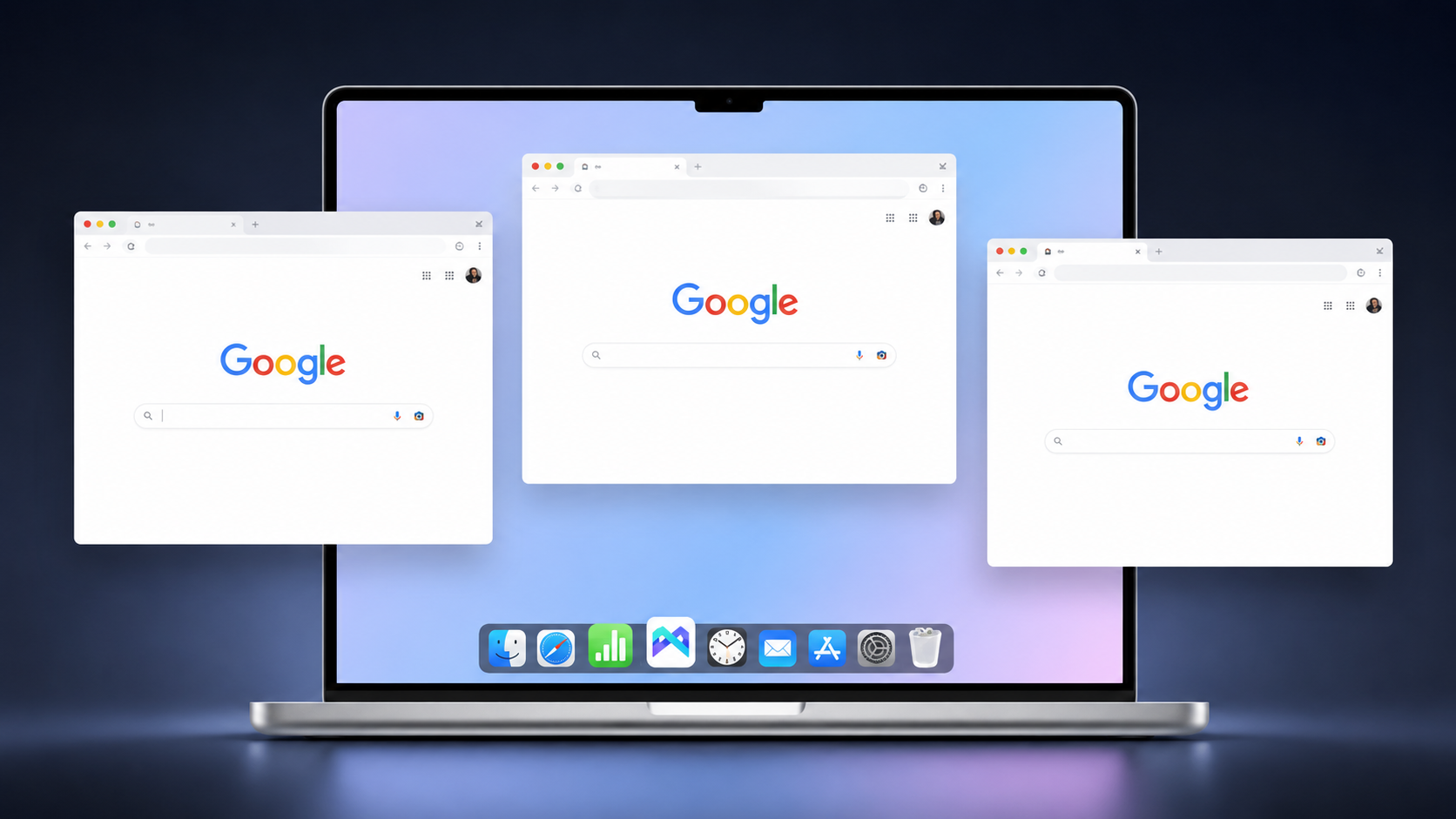
This does not mean a proxy is useless. In fact, proxies are still important. But they work better when combined with isolated browser profiles. The proxy controls the network route. The browser profile controls the environment seen by websites.
That is the safer direction for long-term account work.
A proxy should not work alone. Its location should match the browser environment as much as possible.
For example, if the proxy IP is in the United States, the browser profile should not show a timezone, language, or WebRTC signal that clearly points somewhere else. These mismatches do not always cause immediate problems, but they can make a session look less natural.
Basic alignment should include:
IP location
Timezone
Browser language
WebRTC settings
Account login location
Usage pattern
Consistency is more important than constant change.
Free proxies may look attractive, but they often bring more risk. Not every proxy site or service is trustworthy, even if it is completely free. They may be slow, unstable, shared by too many users, or already flagged by websites.
For business workflows, stable residential proxies, mobile proxies, or trusted private proxies are usually better than random free proxy lists. Trusted providers typically use secure proxy servers and are more likely to support safer anonymous access, and while options tied to mobile devices can be useful, provider quality still matters. The exact choice depends on the platform, budget, and use case.
The main point is simple: a poor proxy can damage an otherwise good setup.
One of the biggest mistakes is logging into many accounts from the same browser environment while only changing proxies, because proxy users who behave like regular users are harder to detect than accounts reusing one environment aggressively.
This setup may still leave shared traces, such as cookies, cache, local storage, extensions, device settings, fingerprint patterns, browsing history, and other signs of online activity that can persist across sessions. If those signals overlap, different accounts may still appear connected.
This kind of browser setup is useful for IP routing, but it should not be treated as a full account isolation tool.
This tool is useful when you need to hide or change your IP address, view region-based content, or run simple access tests. It is easy to understand and practical for basic browsing tasks.
But its limit is also clear. It mainly changes the IP. It does not fully change the browser fingerprint, device signals, cookies, local storage, or account environment. For regular browsing, that may be enough. For multi-account management, it is not.
If your goal is account separation, team workflows, or long-term account stability, a safer option is to use isolated browser profiles with proper proxy setup. In that case, an antidetect browser gives you more control than a proxy-only setup.
What is a Proxy Browser?
It is a browser setup that routes traffic through a proxy server, so websites see the proxy IP instead of the user’s real IP. In practice, it is often a browser based proxy or web proxy setup rather than a separate browser type.
What is the proxy browser meaning?
It means using a browser with proxy routing to change the visible IP address of browsing traffic. It does not automatically change the full browser fingerprint or device identity.
Is Proxy Browser the same as a VPN?
No. A proxy usually routes browser traffic through a proxy server, while a VPN usually routes broader device or network traffic through an encrypted VPN tunnel. A proxy is easier for quick access, while a VPN encrypts all device traffic.
Can Proxy Browser hide my browser fingerprint?
Not fully. It can change the IP and hide the original ip address from websites, but browser fingerprint signals such as Canvas, WebGL, fonts, timezone, language, and screen data may still remain visible.
Is Proxy Browser enough for managing multiple accounts?
Usually not. Multiple accounts need separate browser environments, cookies, fingerprints, and consistent proxy settings. IP switching alone is not enough, and a free web proxy is not always safe because an untrusted provider can expose browsing data.
What is the difference between a proxy-based browser and an antidetect browser?
The first focuses on IP routing. An antidetect browser focuses on creating separated browser profiles with controlled fingerprints and account environments.
What is the safer option for multi-account management?
For multi-account work, an antidetect browser with properly configured proxies is usually safer than using only a proxy-based setup.
 EN
EN